
Dictation
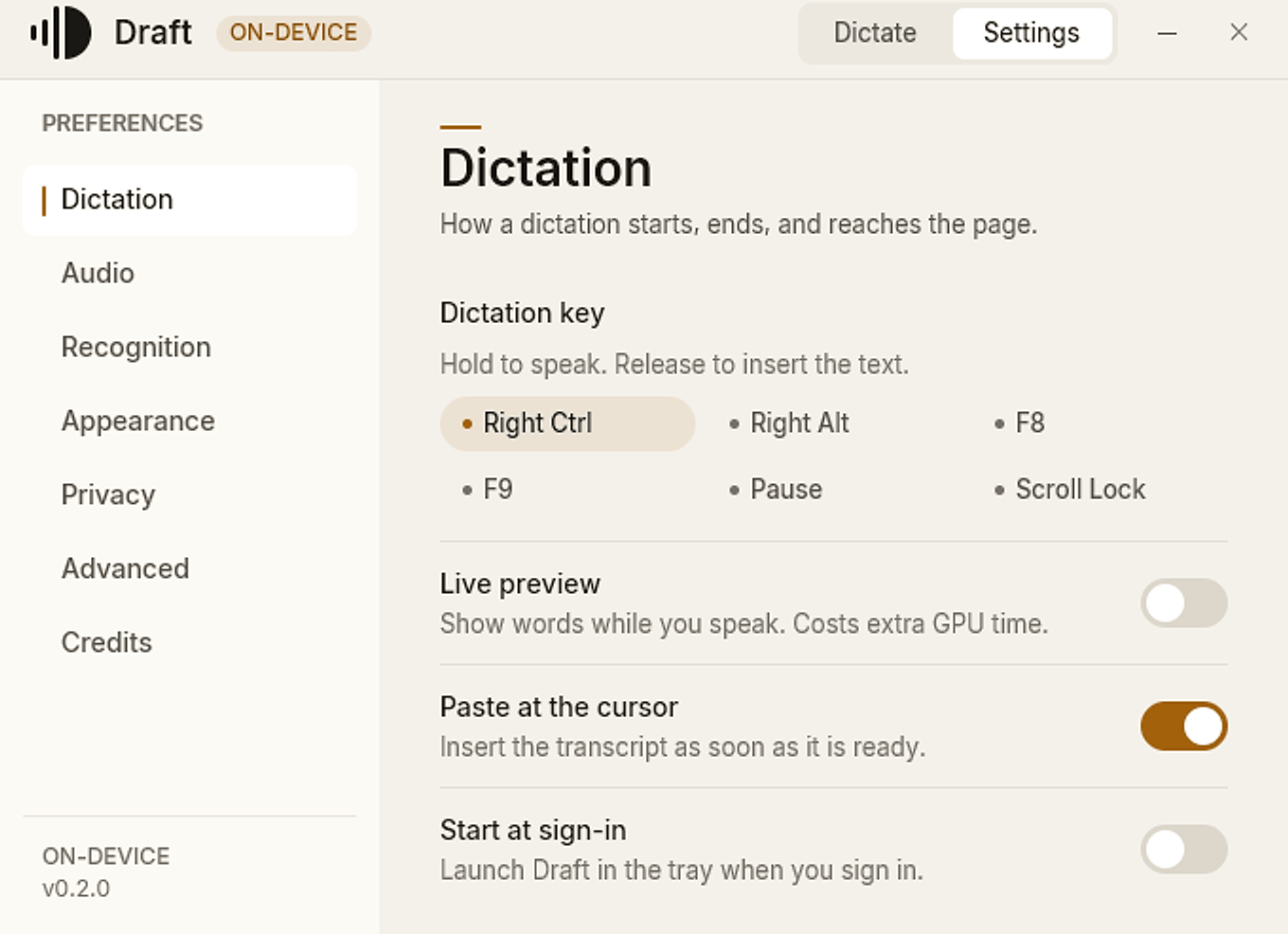
Six shortcut presets, cursor paste, live preview, and sign-in launch. Live preview stays off by default.
Private dictation for Windows.
Hold Right Ctrl, speak naturally, release. Your words land at the cursor, transcribed by Whisper on this PC, not in a cloud.
Audio never leaves this PC · No account · No telemetry · MIT licensed
The privacy modelNo modes, no wake word, no window to switch to. Hold, speak, release. Draft handles the rest at the cursor.
Right Ctrl by default. Right Alt, F8, F9, Pause, and Scroll Lock are one click away.
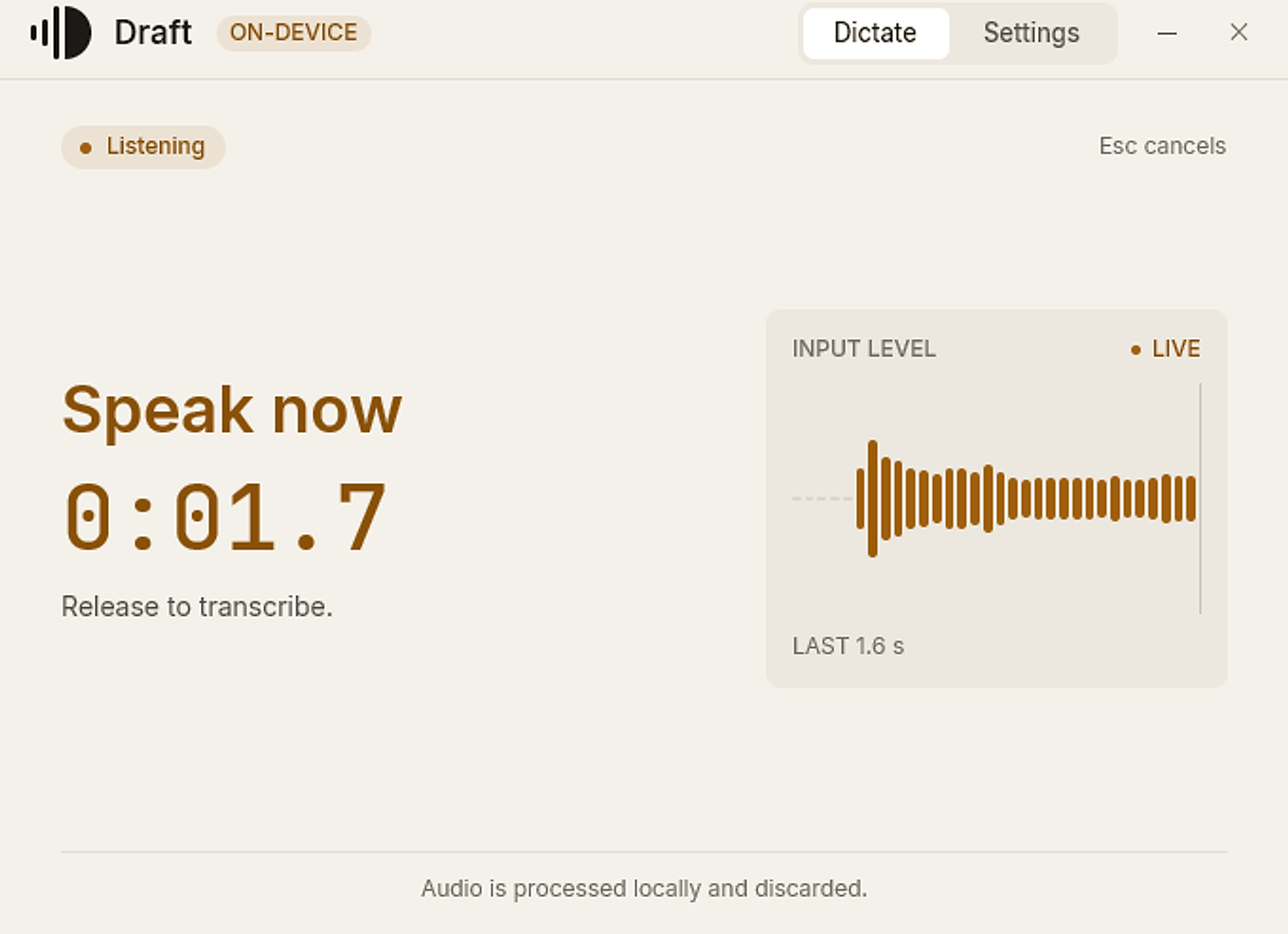
The input meter is the real level Draft hears. Esc cancels the take.
The finished transcript is pasted wherever you were typing.
Live preview is optional and off by default. Each preview is another full model pass, on the GPU when there is one; the final transcript always uses the complete clip.
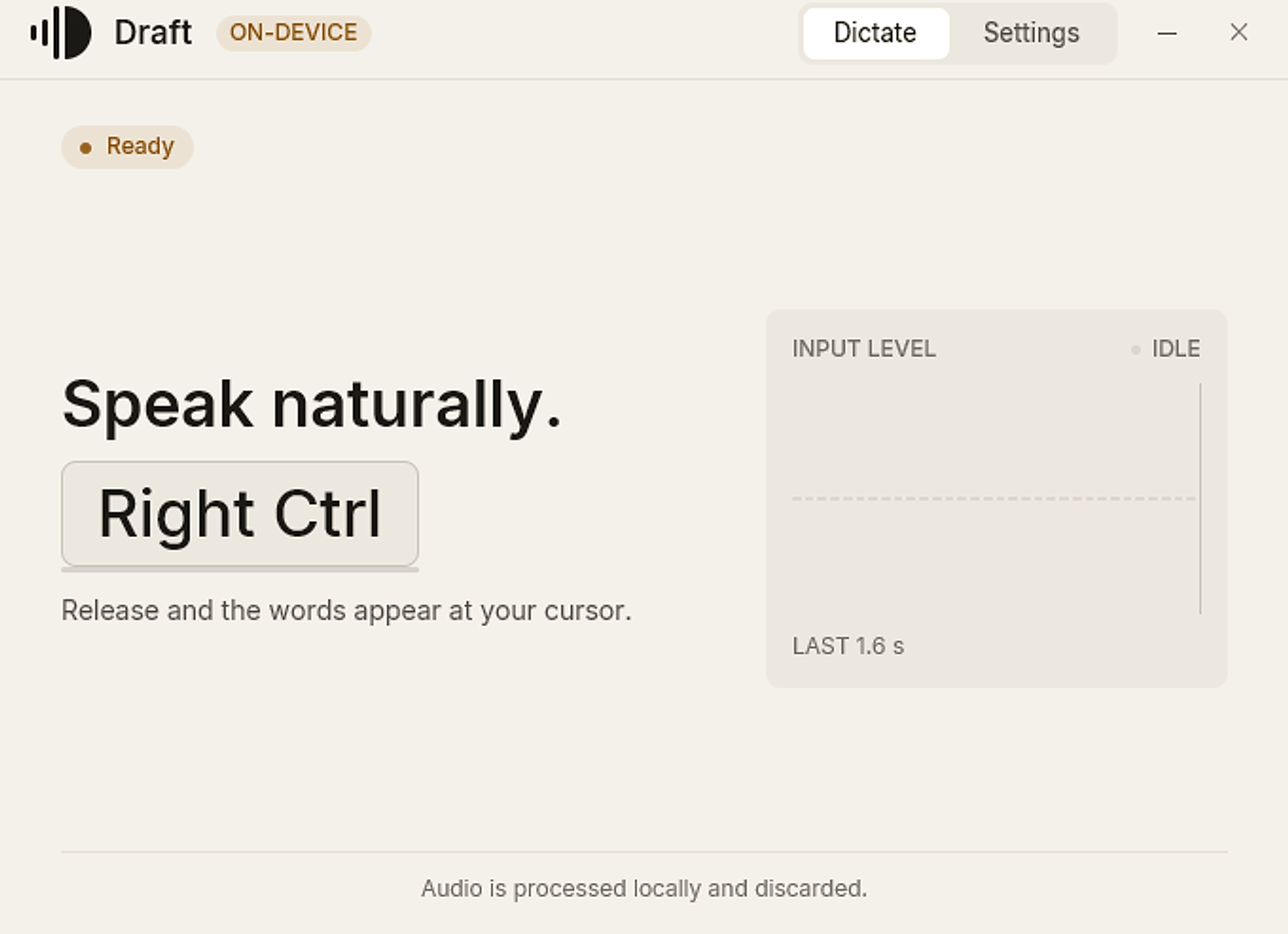
ReadyActual capture
Tap the key, or hold Right Ctrl, to see the live recording state.
Showing the ready state
Dictate and Settings are views inside one fixed window, not separate apps.
Six shortcut presets, cursor paste, live preview, and sign-in launch. Live preview stays off by default.
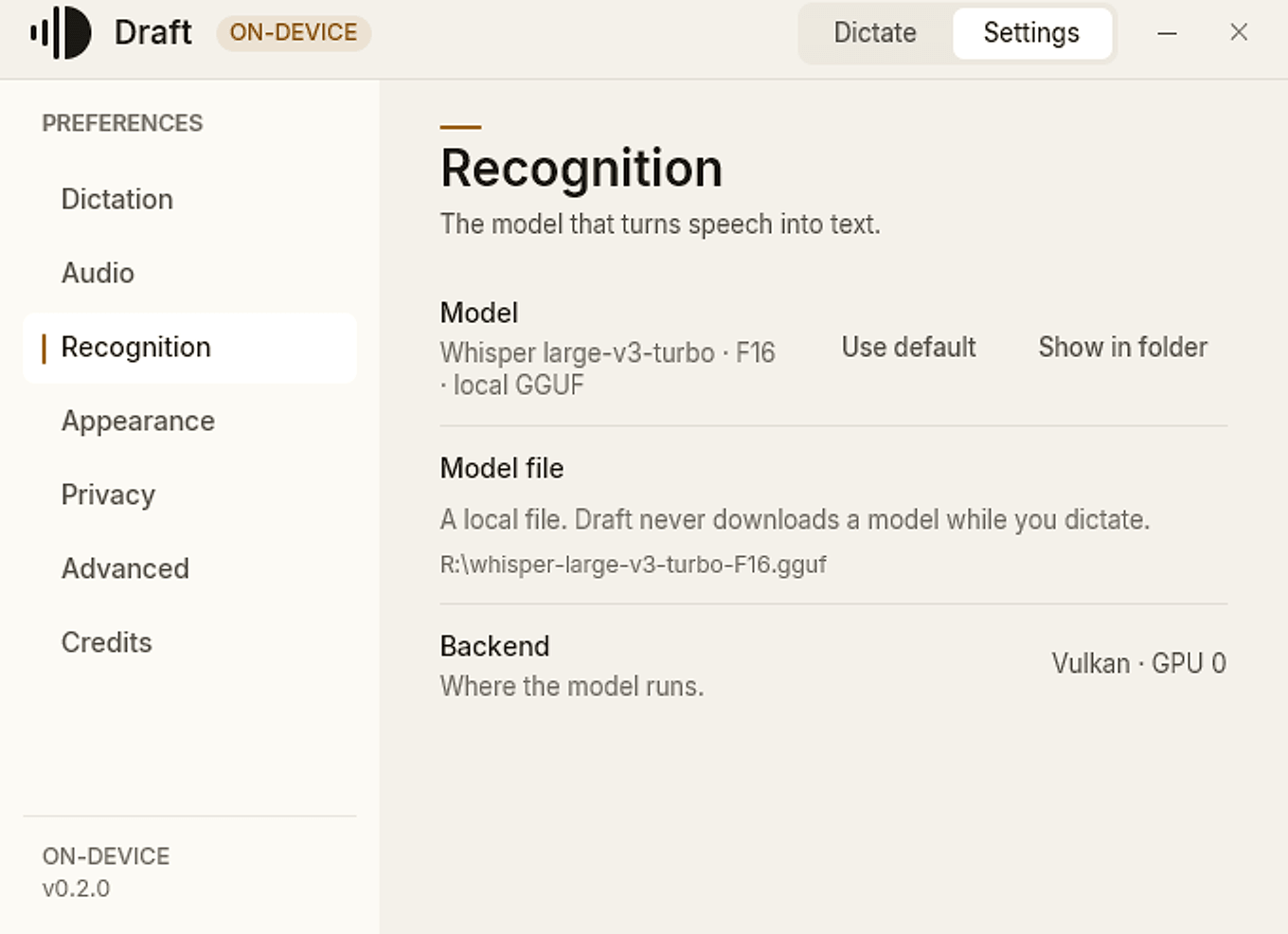
Whisper large-v3-turbo, F16. Vulkan when the machine supports it, with a CPU fallback when it does not.
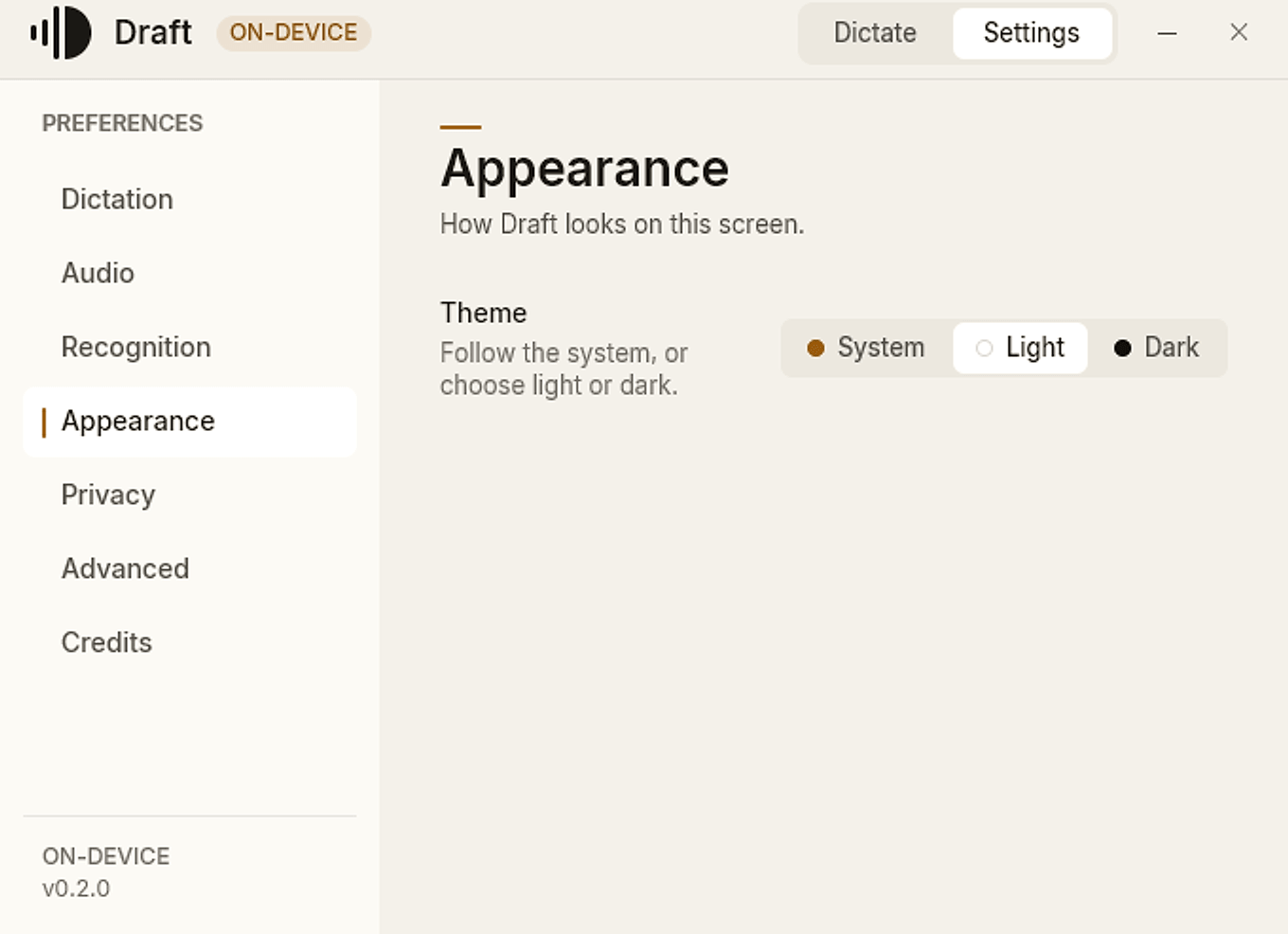
Light by default. Dark is a designed palette, not an inversion, and the app can follow Windows instead.
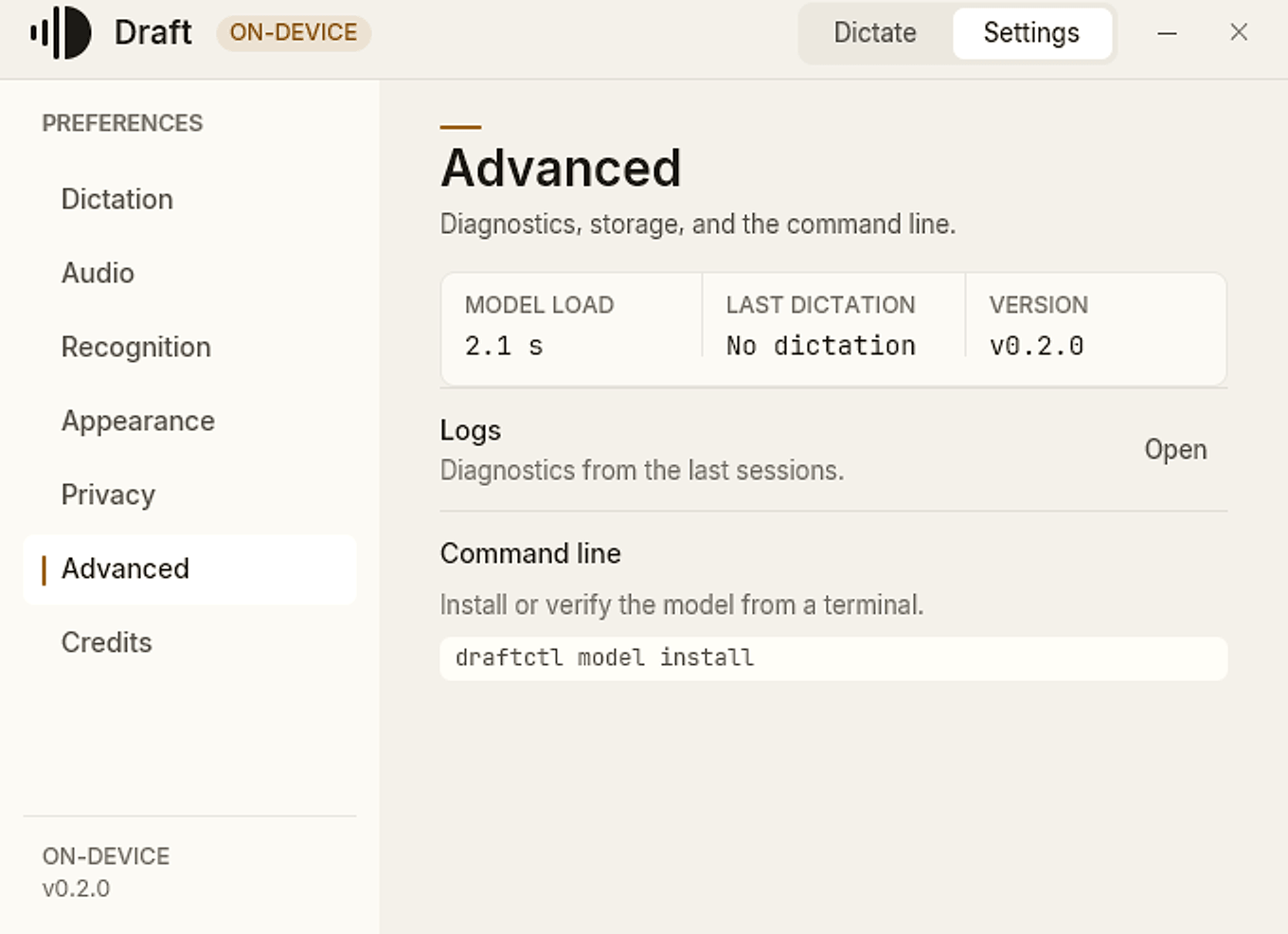
Model load time, last dictation, logs, and the draftctl path. Nothing hidden behind a second menu.
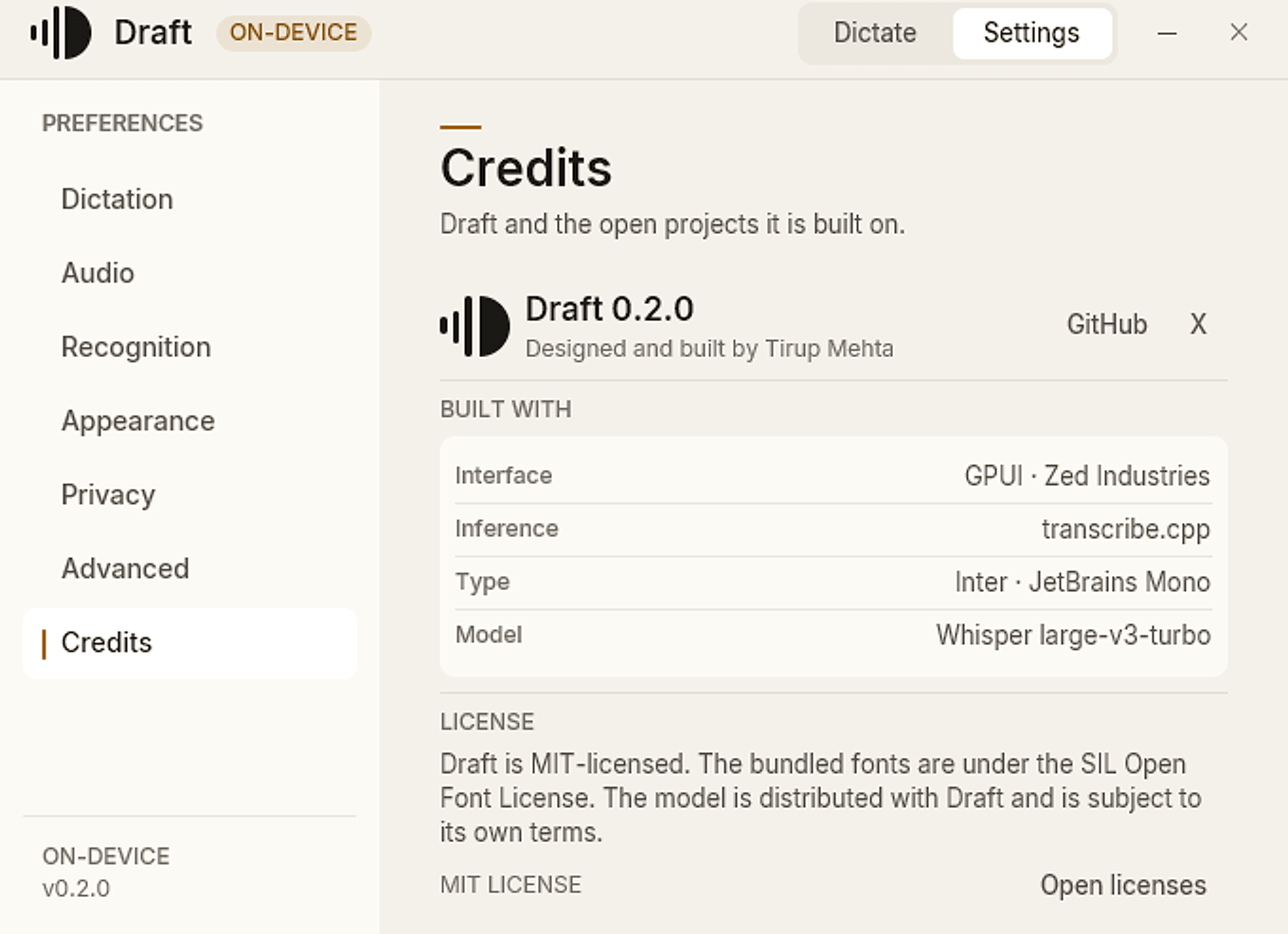
Every project and license in the app, with the installed license texts one click away.
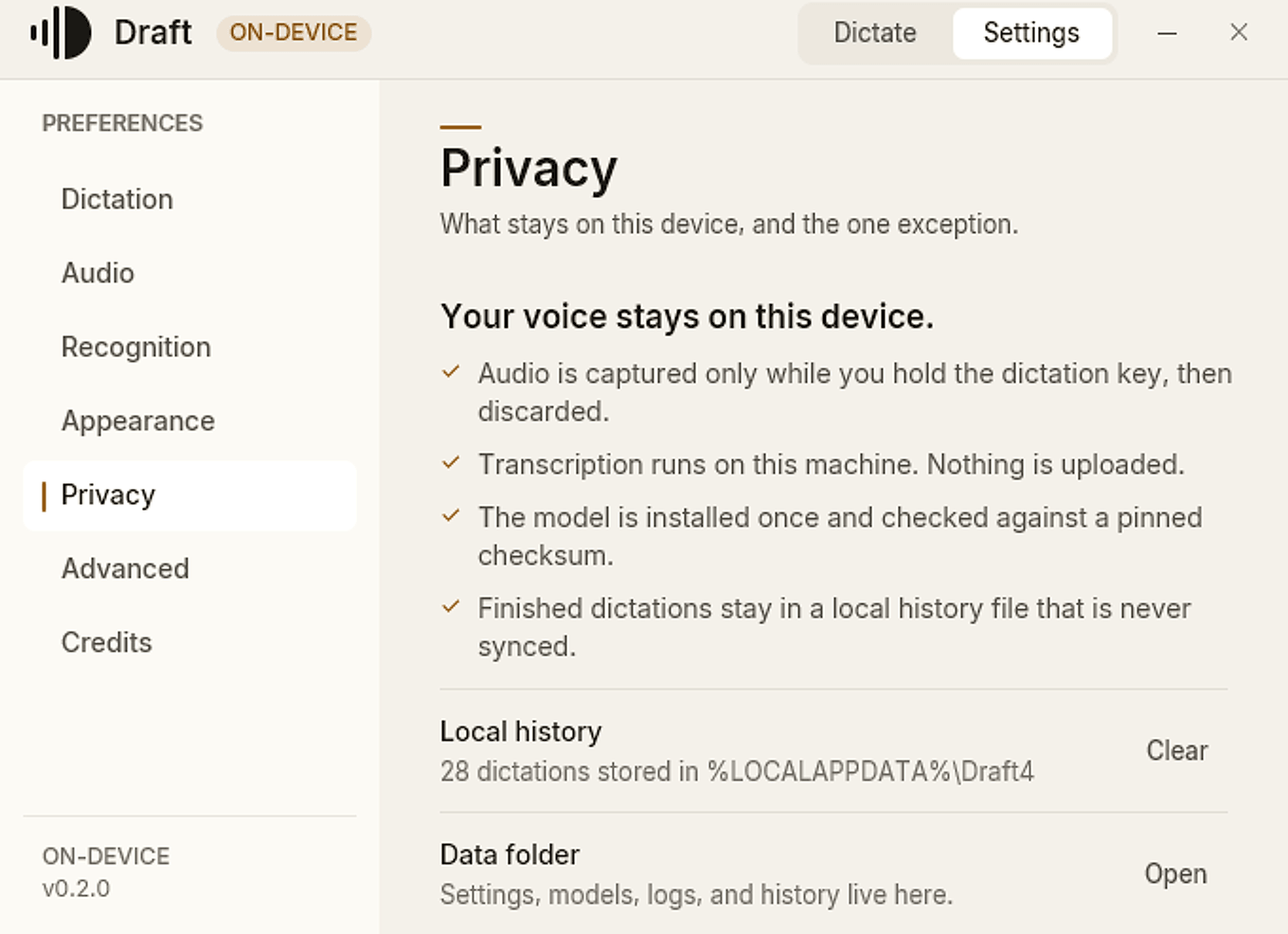
The microphone is open only while the key is held. Whisper runs on this PC, and the recording is discarded once the text is ready.
Microphone → local Whisper → cursor
Only text and duration can stay in local history. Never audio, window titles, or full URLs.
The one network path is the model. It is included in the Windows installer; a build from source without it fetches the pinned F16 file once and verifies its SHA-256.
The model stays warm on the GPU. A three-second clip is usually finished before you look up: 239 ms at p95 in the release benchmark.
Three-second clip, p95
239ms
4.17× faster than the previous build on the same clip.
Two warm-up passes, then five measured runs per clip for Draft 0.2.0: 231 ms median, 239 ms p95. The v3.5 baseline used ten warm runs. Decode only, before the paste; a 60‑second clip finishes in 1.19 s p95. “v3.5” is the previous app, same model, decoded on CUDA rather than Vulkan.
3 sclip
4.17×5 sclip
3.97×15 sclip
3.04×30 sclip
2.95×60 sclip
2.56×Intel Core i7-13620H, GeForce RTX 4060 Laptop 8 GB, Windows 11, Vulkan, F16, warm model. Your hardware will differ. Method and raw data.
The installer includes the speech model, so the first dictation needs no setup and no network.
Draft is MIT licensed and written in Rust. The interface runs on GPUI, inference on transcribe.cpp, and the words come from Whisper large-v3-turbo. Read the source.
Draft 0.2.0 is an early Windows x64 build, and the installer is not code-signed. Windows may show a SmartScreen warning. Verify the SHA-256 first.